Title here
Summary here


If you are moving to MyFin from another accounting program, you can import your chart of accounts from a spreadsheet instead of creating each account by hand.
When you create a company, choose the Basic chart of accounts template if you plan to import your own accounts.
Go to Chart of Accounts → Chart of Accounts and click on “Import Accounts” in the side menu.
Upload your spreadsheet. XLSX, XLS and CSV files are supported.
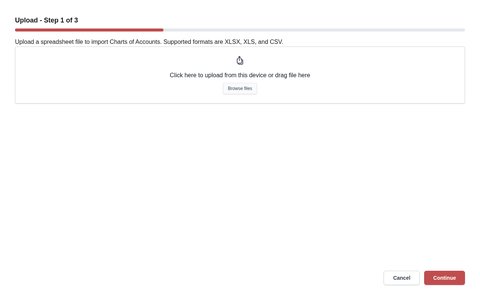
Click on “Continue” and match each column of your file to an account field, such as the account code, name and type.
Check the accounts. You can add, move and sort the imported accounts before saving them. Removing an account here only leaves it out of the import.
Click on “Save Import”.