Title here
Summary here


A company backup is a single file with all of a company’s data:
What isn’t in a company backup, because it belongs to a person rather than the company: users, their permissions, their dashboards and sticky notes. The audit log stays with the installation.
A backup only ever contains its own company’s data, never another company’s on the same installation.
When you restore on another server, add the users again under User Management. Saved reports and scheduled report emails keep the person who made them when that user exists on the server; otherwise a saved report has no owner, and a scheduled email isn’t sent until it is set up again.
Make one regularly, and always before big changes such as closing the books or updating MyFin.
You can use a backup to:
Click on “Companies” in the user menu (top right), and on the company’s “Manage company and users” (people icon) button.
Click on “Backup and Restore Company” in the side menu.
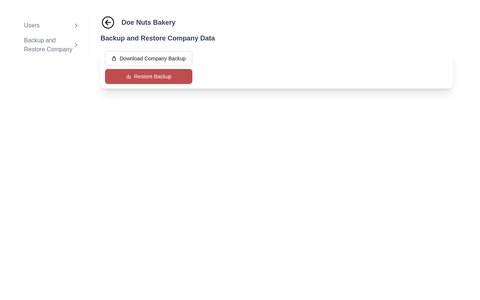
Click on “Download Company Backup” and keep the file somewhere safe, away from the MyFin server.
Caution
Restoring over a company that already exists permanently deletes all of its current data and replaces it with the backup. Download a fresh backup first.
To restore into the same company, click on “Restore Backup” on the Backup and Restore page and choose the backup file.
To restore a company that isn’t in MyFin, for example on a new server:
On the Companies page, move your mouse over the “+” button and click on “Import from file”.
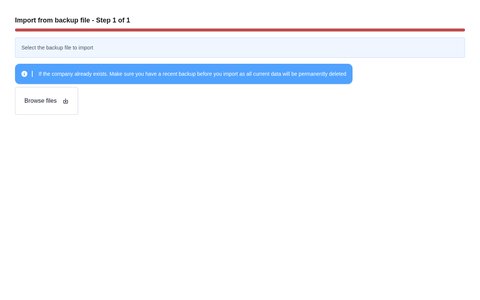
Click on “Browse files” and choose the backup file.