Title here
Summary here


A Customer Debit Note is used when additional charges need to be added to a customer’s account after an invoice has been issued.
This may be due to undercharged items, additional goods or services supplied, pricing adjustments, or other billing corrections.
The debit note increases the customer’s outstanding balance without requiring a new invoice.
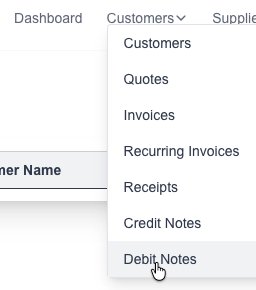
Goto the Debit Note page which is under the “Customers” menu:
Click on the “New Debit Note” button:

Goto the Debit Note page which is under the “Customers” menu:
You will see a list of all your created Debit Note:
Click on the view button: