Title here
Summary here


A recurring Invoice is a template you create that will be used to automatically generate invoices at specified dates and time. Perfect for SLA’s and subscription based services that you supply to your customers and clients.
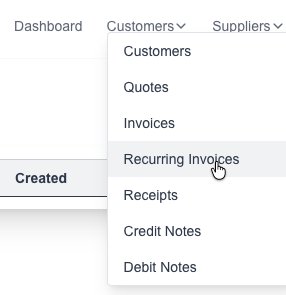
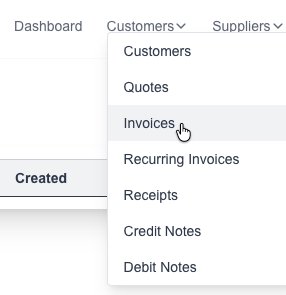
Goto the Recurring Invoices page which is under the “Customers” menu:
Click on the “New Invoice” button:

The new Recurring Invoice form will appear for you to fill in the desired information:
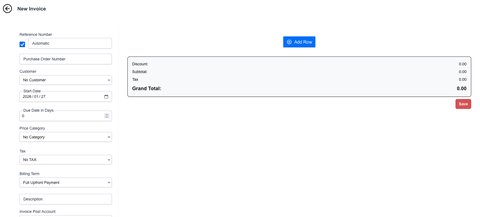
Fill in the desired Invoice details:
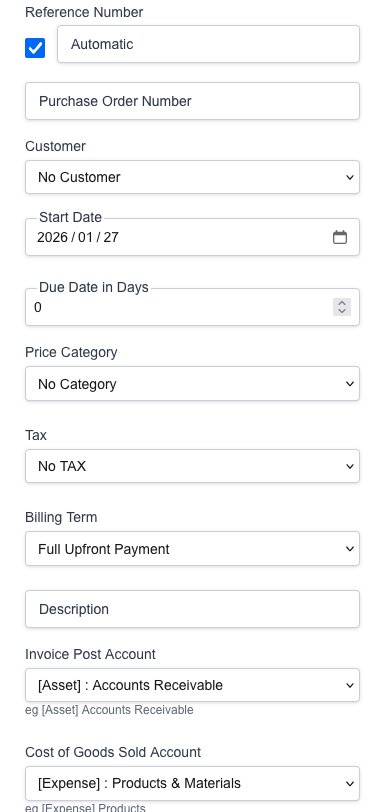
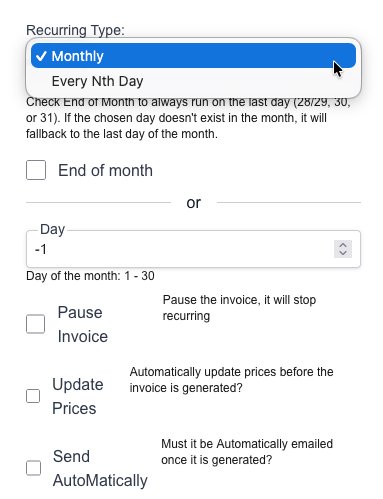
Fill in the desired Invoice generation details:
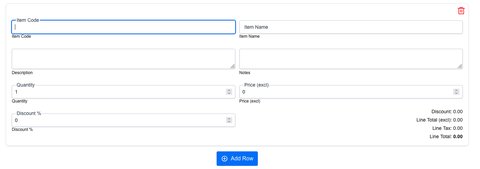
Click on the “New Row” button to add a new item row:

Click on the “Save” button to save the new Recurring Invoice template.
When the specified date is met and the invoice is generated, it will appear in the invoice list found on the “Invoice” page.
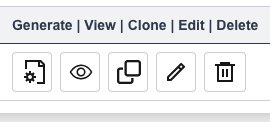
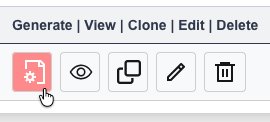
You can also manually generate an Invoice from the template by clicking on the “generate” button next to the recurring invoice.
Goto the Recurring Invoices page which is under the “Customers” menu:
You will see a list of all your created Recurring Invoices.
Click on the desired button to either view, clone, edit or delete a Quotation: