Title here
Summary here


A Supplier Invoice is created when you receive an invoice from a supplier for goods or services purchased. It records the products or services received, the amount payable, taxes, and payment terms. Supplier Invoices help you track outstanding amounts, manage accounts payable, and ensure your expenses and purchases are accurately recorded.
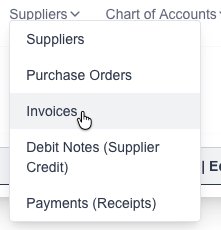
Goto the Supplier Invoice page which is under the “Suppliers” menu:
Click on the “New Supplier Invoice” button:

The new Supplier Invoice form will appear for you to fill in the desired information:
Click on the “Save” button to save the new Supplier.
Goto the Suppliers Invoice page which is under the “Suppliers” menu:
You will see a list of all your current Supplier Invoices.


Click on the “Save” button to save the Supplier.
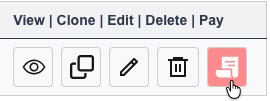
If you need to delete a Supplier Invoice, click on the “delete” (trash Icon) next to the Invoice.

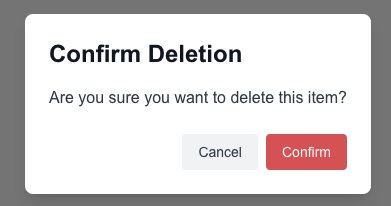
Click on the “Confirm” button to confirm and delete the Invoice.