Title here
Summary here


A Purchase Order (PO) is created before purchasing goods or services from a supplier.
It outlines the items being ordered, quantities, agreed prices, delivery details, and any applicable terms.
Purchase Orders help track outstanding orders, prevent purchasing errors, and provide a clear record of what has been requested before the supplier issues an invoice.
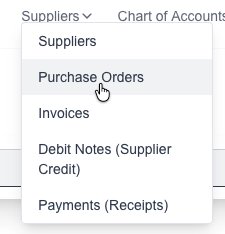
Goto the Purchase Orders page which is under the “Suppliers” menu:
Click on the “New Purchase Order” button:

The new Purchase Order form will appear for you to fill in the desired information:
Click on the “Save” button to save the new Purchase Order.
Goto the Purchase Orders page which is under the “Suppliers” menu:
You will see a list of all your current Purchase Orders.


Click on the “Save” button to save the Purchase Order.
If you need to delete a Purchase Order, click on the “delete” (trash Icon) next to the Purchase Order.

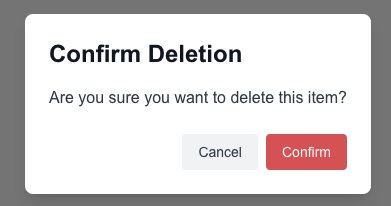
Click on the “Confirm” button to confirm and delete the Purchase Order.