Title here
Summary here

A Customer Quotation is a formal document that a business provides to a potential customer, outlining the estimated costs for goods or services.
It includes details such as item descriptions, quantities, pricing, taxes, terms, and validity period.
The quotation acts as an offer and gives the customer clarity on what they can expect to pay before placing an order.
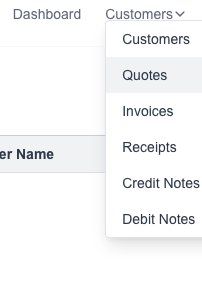
Goto the Quotes page which is under the “Customers” menu:
Click on the “New Quotation” button:

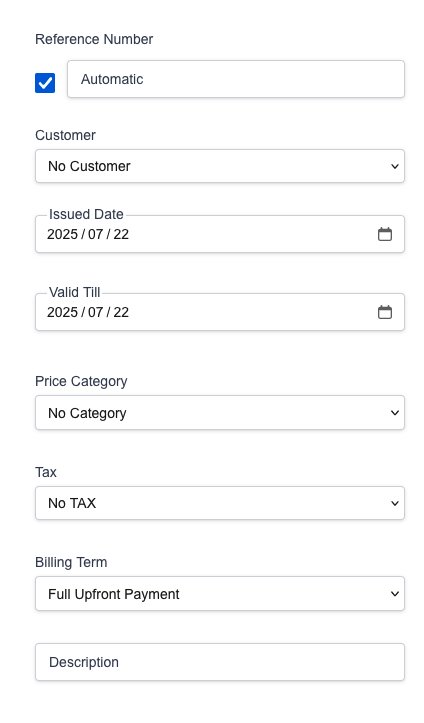
The new Quotation form will appear for you to fill in the desired information:
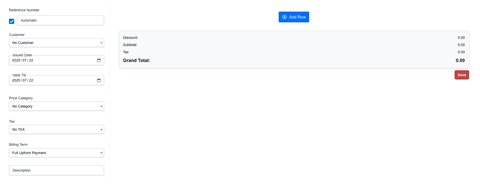
Fill in the desired Quote details:
Click on the “New Row” button to add a new quote row:
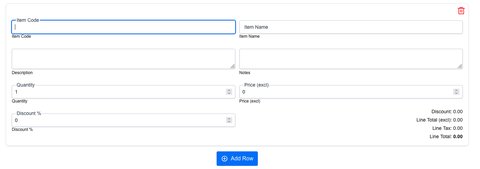
Click on the “Save” button to save the new Quotation.
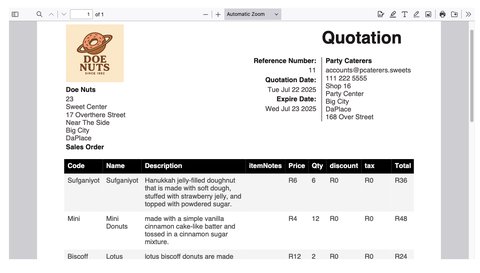
A PDF file will be generated and presented to you.
Goto the Quotes page which is under the “Customers” menu:
You will see a list of all your created quotations:

Click on the desired button to either view, clone, edit or delete a Quotation: