Title here
Summary here

Manufacturing lets you turn materials you keep in stock into products you sell. It has two parts:
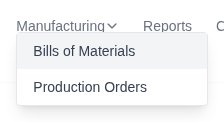
Permission. Users need the Manufacturing permission to see the Manufacturing menu. See User Management.
Items. The product you make and every material it uses must exist as Items. The product and its materials need a cost, and the materials need stock on hand.
Default accounts. Under Company → Settings → Default Accounts, set the:
If you created your company with the Business chart of accounts template, these are already set. See Default Accounts.
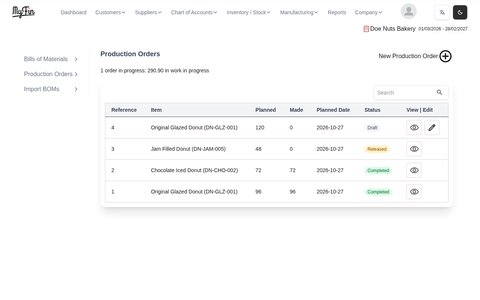
Both pages have a side menu with Bills of Materials, Production Orders and Import BOMs.
The Production Orders page also shows how many orders are in progress and the total cost sitting in work in progress.